Next to the buy button
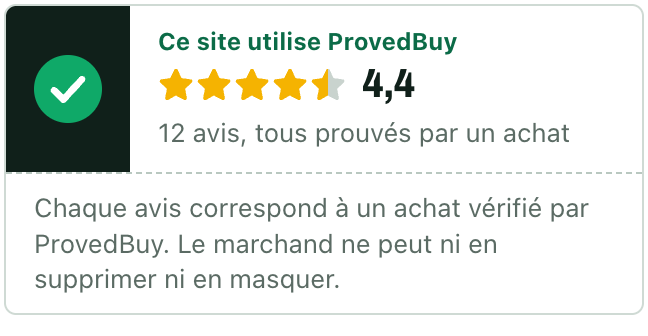
Doubt arrives at the moment of paying. On the product page, put the rating and the number of reviews beside the price or under the add to cart button. A visitor does not need to read ten reviews right then. They want to know others bought and it went well.
In the cart and on the payment page
This is where most people drop out. A discreet strip with the store's rating is enough. Avoid anything that pulls the customer out of the checkout: no carousel, no pop-up window.
In the footer
The footer is read by wary visitors, the ones looking for company details, return terms and a way to get in touch. A badge belongs there, provided it leads somewhere.
Show the rating, the count and the source
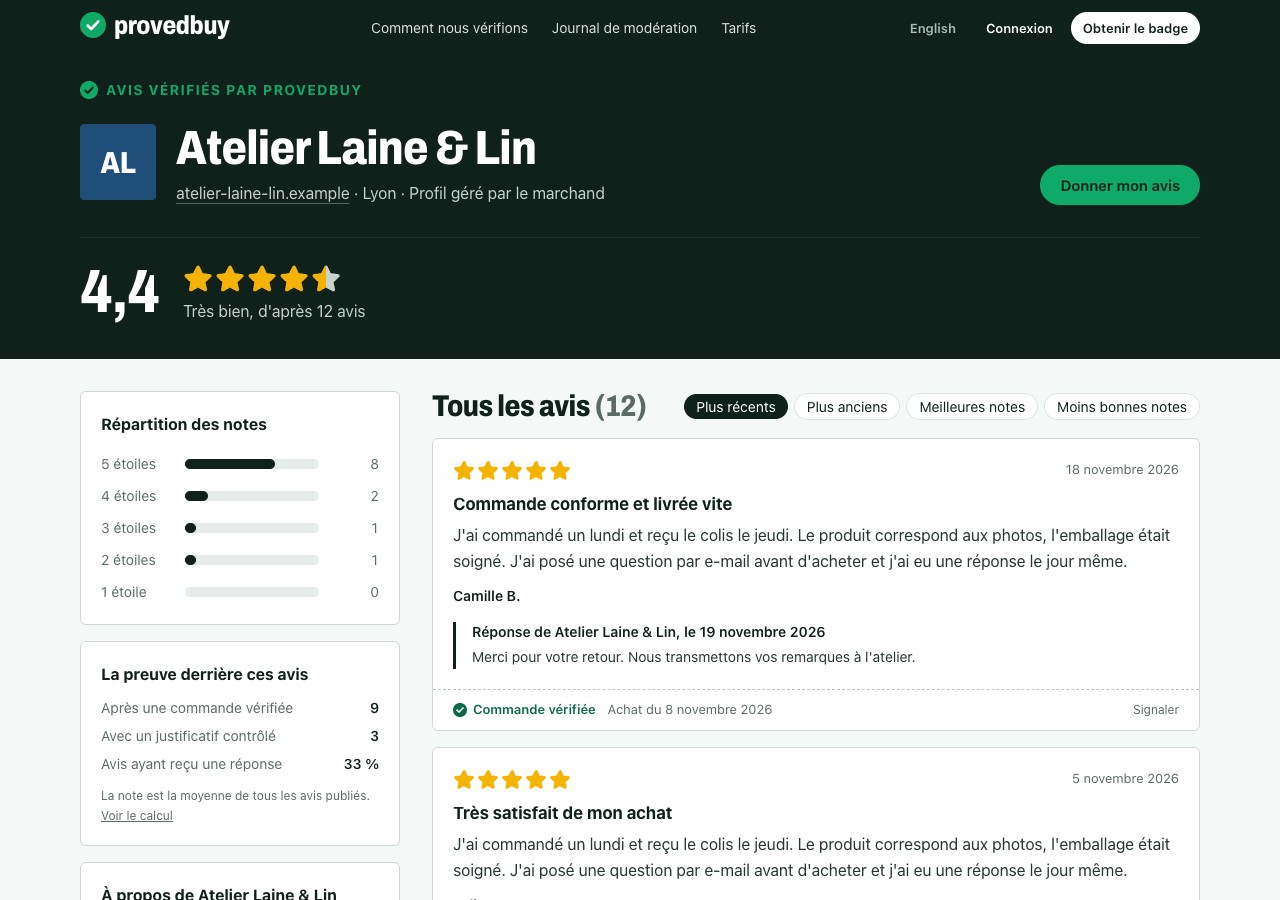
A rating with no count says nothing. Show both, plus a link to the page where every review can be read, bad ones included. Visitors check. Three perfect reviews with no link to the rest have the opposite effect to the one intended.
Keep recent reviews on top. A latest review two years old suggests a store running slow.
With ProvedBuy
You paste the badge once and it updates itself. It shows the rating, the number of reviews and opens your ProvedBuy page, where each review carries its proof of purchase. A widget also shows your five latest reviews.
Code HTML
<iframe src="https://provedbuy.com/encart/your-store.com?lang=en" title="Reviews verified by ProvedBuy" loading="lazy" style="border:0;width:100%;max-width:324px;height:168px"></iframe>
<p style="margin:6px 0 0;font:13px/1.4 system-ui,sans-serif"><a href="https://provedbuy.com/en/reviews/your-store.com" target="_blank" rel="noopener">Reviews verified by ProvedBuy</a></p>