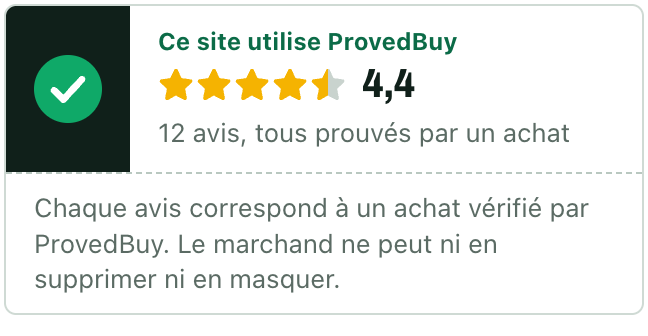
What the logo looks like
It shows your rating out of 5, the number of reviews and a note that the reviews are proven by a purchase. It comes in three formats: a compact logo for the footer, a horizontal strip for the top of a page, and a widget that quotes your latest reviews.
What a reviews logo should prove
A picture with stars proves nothing: anyone can draw one. A logo has value when the buyer can click it and check.
The ProvedBuy logo opens your reviews page. Every review is there, the less flattering ones included, and under each one how the purchase was checked: an order sent by the store, or an invoice attached by the customer.
Place the logo on your site
The code is in your ProvedBuy account, on the Badge and widgets page. You paste it once, where you want the logo to appear.
- Sign up your store and confirm your email address.
- Copy the code for the format you chose.
- Paste it in your site's footer, or on the product page near the buy button.
- The logo shows your rating from your first published review.
Code HTML
<iframe src="https://provedbuy.com/encart/your-store.com?lang=en" title="Reviews verified by ProvedBuy" loading="lazy" style="border:0;width:100%;max-width:324px;height:168px"></iframe>
<p style="margin:6px 0 0;font:13px/1.4 system-ui,sans-serif"><a href="https://provedbuy.com/en/reviews/your-store.com" target="_blank" rel="noopener">Reviews verified by ProvedBuy</a></p>Where to put it
The footer gives you a presence on every page. The product page and the cart are where the buyer hesitates: that is where a reviews logo matters most.
On WooCommerce and PrestaShop, the extension places it for you, along with the stars under the product title.